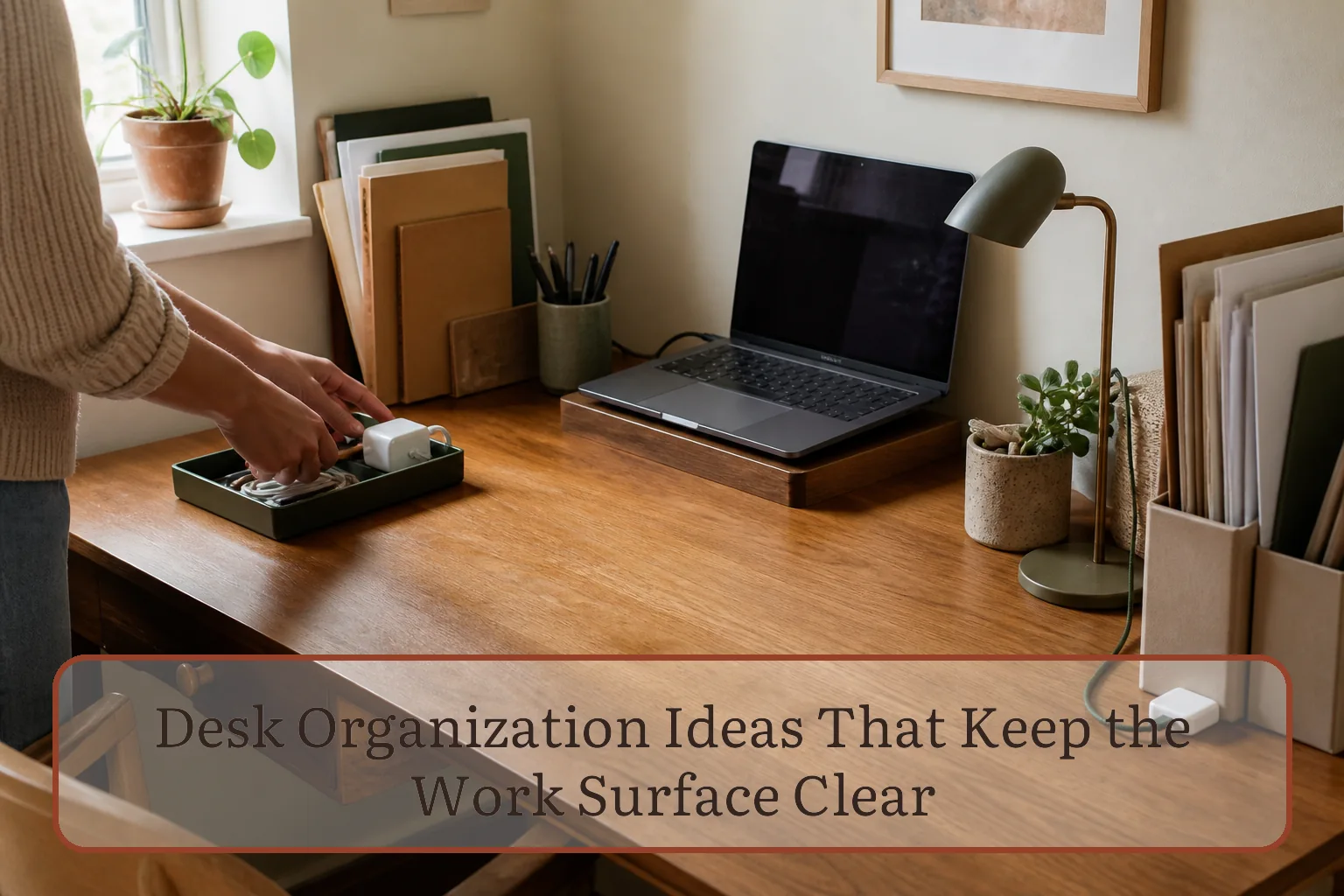
Protect the work lane before organizing supplies
Sit in your normal chair and mark the width used by your keyboard, mouse, notebook, or other primary tool. That is the work lane. It should not double as incoming-mail storage, a charging station, or a display shelf. If you cannot begin the main task without moving a pile, the lane is not clear.
Set up the computer before choosing organizers. OSHA’s workstation guidance recommends keeping the monitor directly in front of the user, the input device next to the keyboard, and frequently used items within easy reach. It also calls for enough surface depth to place the monitor at a comfortable viewing distance and enough space underneath for the legs. Those requirements matter more than achieving a perfectly symmetrical desktop.
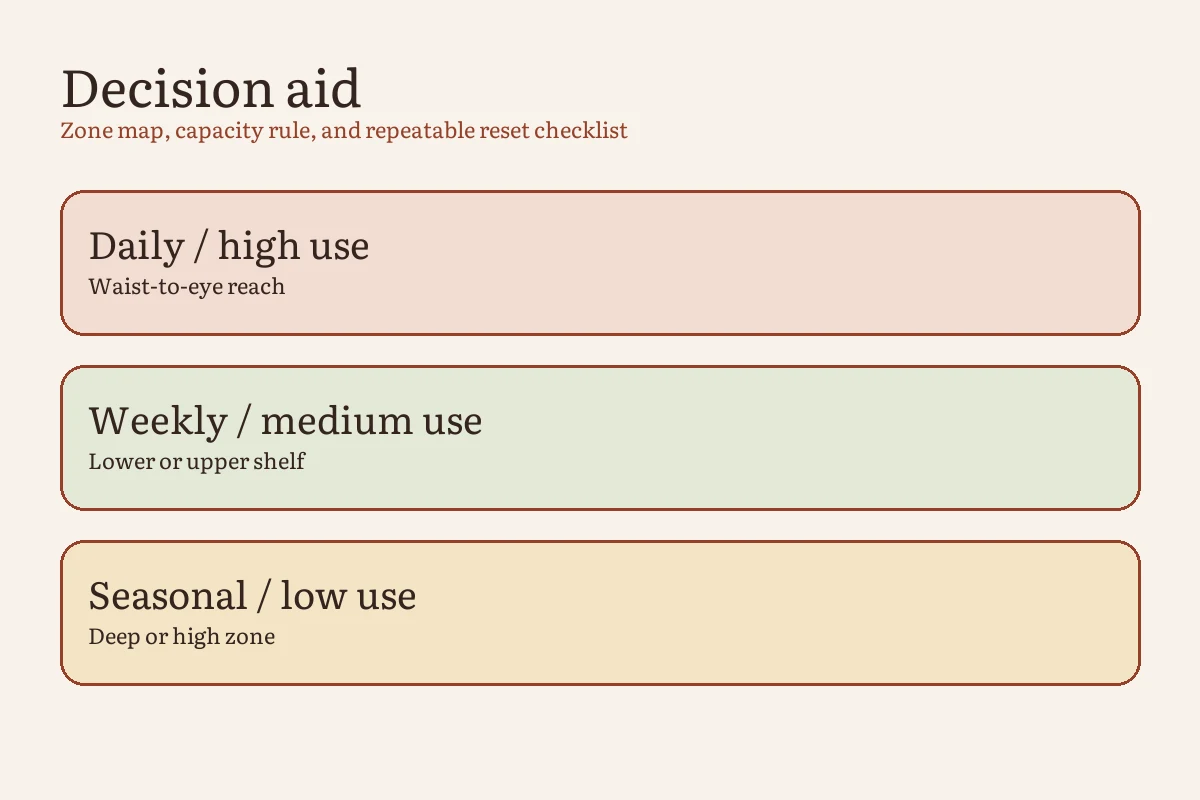
The four-zone desk map
| Zone | What belongs there | Capacity rule | What leaves |
|---|---|---|---|
| Work lane Directly in front of you |
Keyboard and mouse, or the tools for the current hands-on task | Only what is needed for the task in progress | Decor, unopened mail, spare devices, and finished work |
| Easy-reach zone Reachable with elbows near the body |
One pen, frequently used notebook, phone dock, or another daily tool | One assigned spot per tool; no duplicate backups | Anything reached for less than most workdays |
| Active-paper zone Beside the main screen or work lane |
One vertical file or tray for papers that require action | One container, with the oldest item still visible | Reference files, completed documents, and unprocessed household mail |
| Off-desk home Drawer, wall, cabinet, or nearby shelf |
Refills, archives, occasional tools, printer stock, and personal items | Must fit without blocking a drawer, vent, outlet, or legroom | Duplicates you will not use before they dry out or become obsolete |
Reset the desk in one controlled pass
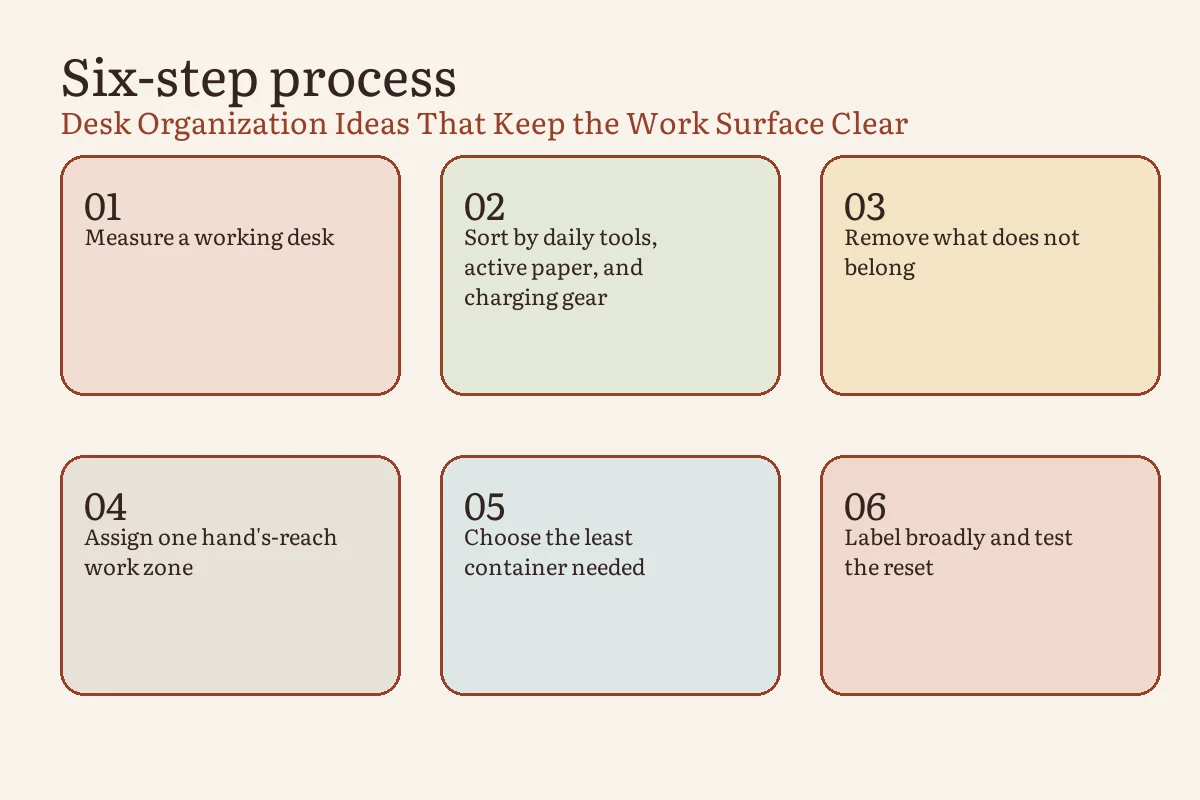
- Name the desk’s primary job. Write one sentence: “This desk is mainly for ____.” If the answer is paid computer work, schoolwork, sewing, drawing, or household administration, organize for that job first. A shared desk can have two modes, but each mode needs a defined setup and a defined reset.
- Remove loose items, not installed equipment. Put paper, stationery, cups, chargers, hobby supplies, and miscellaneous objects into temporary groups. Leave a monitor arm, lamp, or equipment that is safely fixed in place where it is.
- Position the ergonomic anchors. Place the primary monitor and input devices for a straight-ahead working position. Keep the mouse beside the keyboard, not beyond a stack of notebooks. Adjust the chair and screen for the person using them; do not use storage boxes in the leg area to compensate for a poor fit.
- Rebuild from daily frequency. Return only tools used during most work sessions to the easy-reach zone. Put weekly items in a drawer or nearby shelf. Store occasional supplies farther away. This single rule prevents “useful someday” items from occupying the best space.
- Give unfinished work one boundary. Use one upright file, clipboard, or shallow tray for genuinely active paper. Label it with an action such as “review” or “send,” not a vague category such as “miscellaneous.” Move reference material into its long-term file.
- Route each cable to one destination. Trace a cord from device to outlet before fastening it. Remove disconnected chargers, keep plugs and power controls accessible, leave device vents unobstructed, and follow the equipment and power-strip instructions. Replace frayed or damaged cords instead of hiding them in a sleeve.
- Run a real start-and-stop test. Begin an ordinary task, use it for ten minutes, then reset the surface. If returning an item requires moving several other things, its home is too complicated or too full.
Choose storage only after the zones expose a problem
Do not begin by buying a matching organizer set. First identify which motion is failing. A pen rolling into the work lane needs a small stop. Five project folders collapsing into a pile need vertical support. A printer that consumes half a narrow desk may need a nearby cart. The solution should remove a specific obstruction rather than add another object to manage.
| If this keeps happening | The likely system problem | Try this next |
|---|---|---|
| Loose tools spread across the front edge | Too many items are classified as “daily” | Keep one working version in reach and move refills to a drawer or shelf |
| Paper covers the keyboard by evening | Incoming and actionable paper share the same landing spot | Process household mail elsewhere; keep one limited action file at the desk |
| The desk is clear, but the floor is full | Off-desk storage is using leg and chair space | Move supplies to a side wall, shallow shelf, or closed cabinet without narrowing the walkway |
| Cables return after every reset | Devices do not have fixed charging positions | Assign one charging point and remove cords that are not connected to a current device |
| A shared desk never returns to neutral | Each user has a different assumed layout | Create one portable kit per user and photograph the agreed neutral setup |
Adapt the map to the desk you have
For a very shallow desk
Use the wall for lightweight reference material or a narrow shelf only when it can be installed safely. Prefer a monitor arm or compact stand only if the desk and mount are rated for it. Keep bulky stationery and printer paper elsewhere. The desktop should still support the keyboard, input device, and main task without forcing the screen uncomfortably close.
For a desk in a bedroom or living room
Use a close-down boundary that changes the room back to its non-work function. A lidded project box or portable file can hold the current work, but it needs a fixed off-desk home. Avoid making the chair or bed the overflow shelf; that simply transfers the reset to another surface.
For a creative or repair desk
Swap “keyboard and mouse” for the main material and tool set, but preserve the same logic. Keep the center open for the active piece, put frequently used hand tools in the easy-reach zone, and separate clean storage from adhesives, finishes, blades, soldering tools, or other items that require their own safety instructions.
The five-minute close-down checklist
- Move completed paper to its file, recycling, or outgoing destination.
- Put the current project in the one active-paper container or portable kit.
- Return the daily tools to their assigned easy-reach spots.
- Reconnect only the devices that need charging and keep cables out of the work lane.
- Remove cups and rubbish, then leave the central work lane empty.
If this routinely takes longer than five minutes, do not work faster. Reduce the number of daily items or simplify their return path.
Frequently asked questions
Where should a printer go on a small desk?
If you print rarely, a nearby shelf or cart can preserve the main work lane, provided the surface can safely support the printer and you can access paper and controls. If you print throughout the day, keep it within a comfortable reach but not where it blocks the screen, mouse, vents, outlets, or leg clearance.
What should stay on a desk with no drawers?
Keep the main equipment, one writing tool, and the current notebook or action file. Put refills and occasional supplies in one nearby closed container. A drawerless desk needs stricter limits, not a row of desktop bins.
How do I organize a desk used by two people?
Agree on a neutral setup for shared equipment and give each person one portable kit for personal tools and active paper. The handoff rule is simple: the person finishing a session returns the shared surface to the photographed neutral state.
Sources and editorial method
Every Inch Home created the zone map and reset checklist for this guide. Ergonomic placement recommendations were checked against current U.S. Occupational Safety and Health Administration workstation guidance. The illustrations explain the organizing method; they are not evidence of testing in a particular home.